System simulations
Last updated: November 5, 2026
A system simulation is a working copy of a tool your team uses at work, such as a CRM or a helpdesk. Learners work in it while they talk to a customer in a simulation, so they practise the conversation and the tool at the same time. Solidroad builds the copy from screen recordings you upload, which usually takes one to two hours.
Where to find them
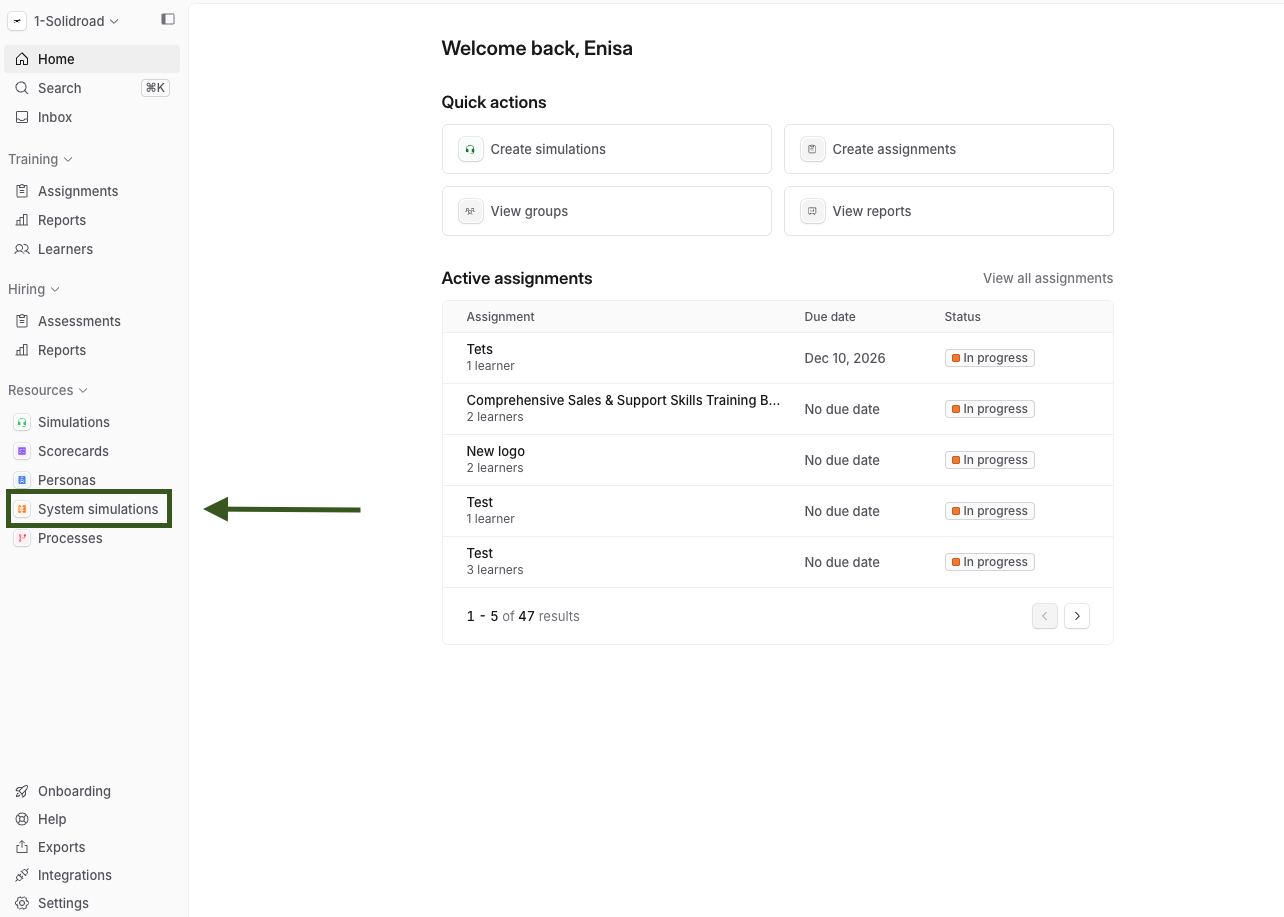
Resources → System simulations lists every system simulation in your workspace, with its status beside the name.
Learners never see this page. They see a system simulation only inside a simulation.
Who can use them
Seeing the page and creating or changing a system simulation all need permission to manage simulations, which admins and trainers have. Deleting one needs permission to delete simulations. Default roles and permissions explained covers what each role can do.
Interactive system simulations are in beta and are turned on workspace by workspace. If you have no System simulations in your sidebar, contact the Solidroad team.
Interactive and Guided
Interactive | Guided | |
|---|---|---|
How it is made | Solidroad builds it from your screen recordings and documents | You record it yourself with the Solidroad Chrome extension |
What learners do | Use the copy freely, as they would the real tool | Follow a fixed path, step by step |
Where you can attach it | Simulations | Simulations and assignments |
How it is scored | Against success criteria you write | Completion and wrong clicks |
Guided simulations are no longer offered to new customers. Workspaces that already have Guided recordings see a Simulations tab and a System simulations tab in the sidebar, and those recordings carry on working for learners. How to create software simulations covers Guided.
Related articles
If you have any further questions, contact the Solidroad team via the Help tab in the platform.